
Appearance
Departments Administrator
Departments group products into logical categories — such as "Beverages", "Food", or "Merchandise". They also determine which staff members can deliver or approve stock for those products.
Accessing Departments
Navigate to Department Management in the sidebar.
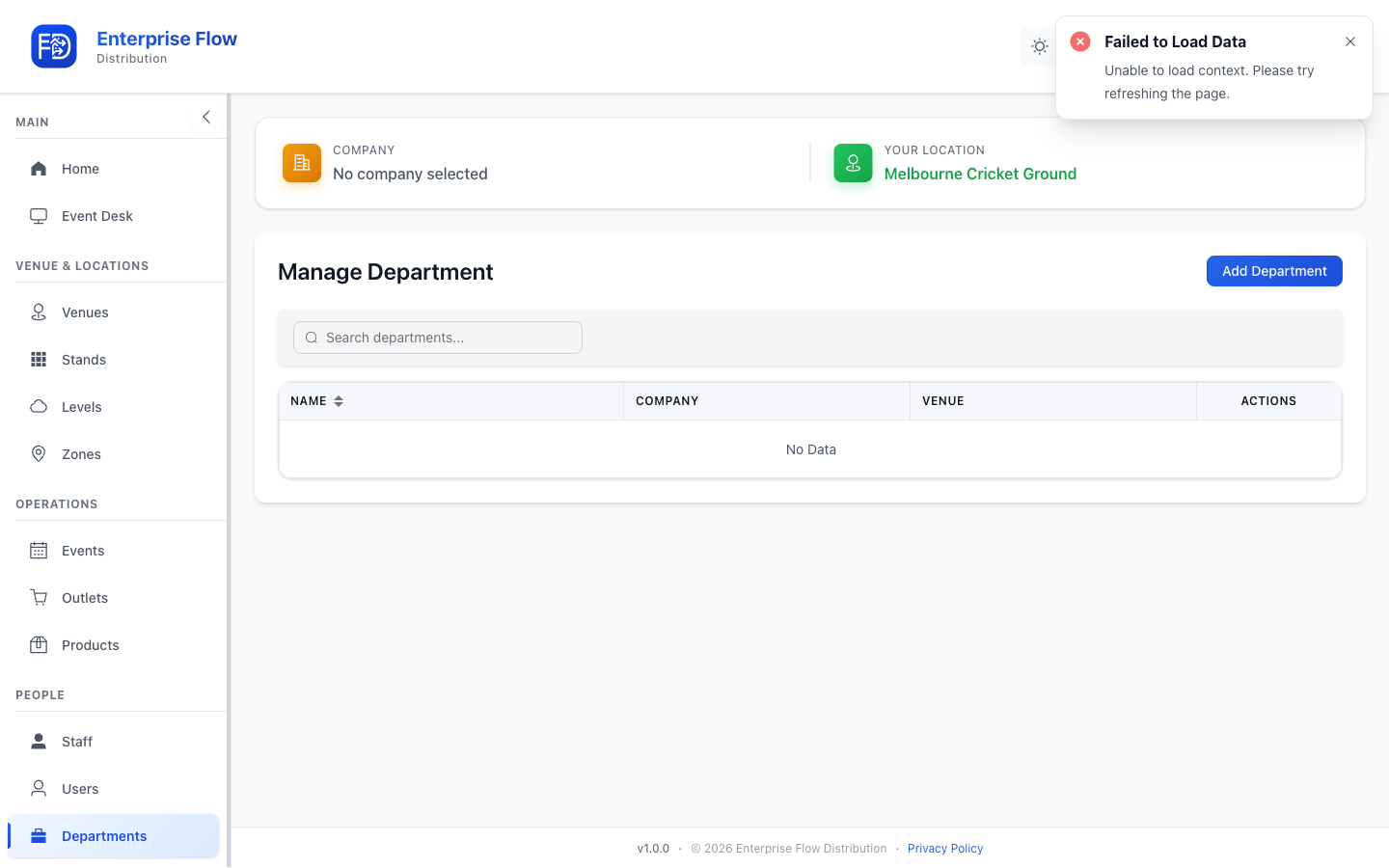
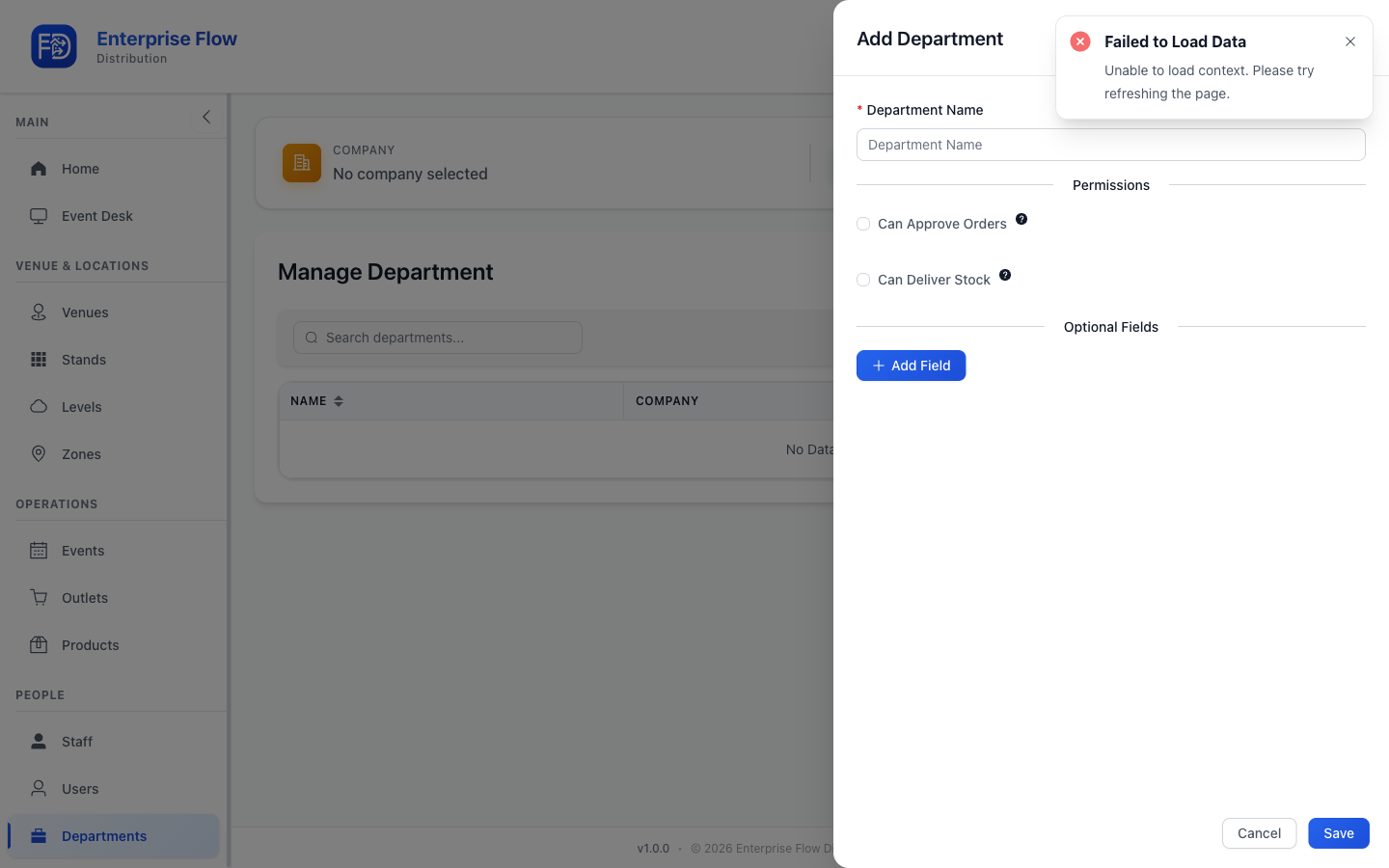
Creating a Department
- Click the Add Department button.
- Fill in the details:
- Name — The department's display name (e.g., "Beverages")
- Click Save.
Editing a Department
- Find the department in the list.
- Click Edit.
- Update the name.
- Click Save.
Deleting a Department
- Click Delete on the department row.
- Confirm the deletion.
Tips
- Create departments before adding products, so you can assign products to the correct department.
- Staff are linked to departments to control which products they can work with during events.