
Appearance
Logging In
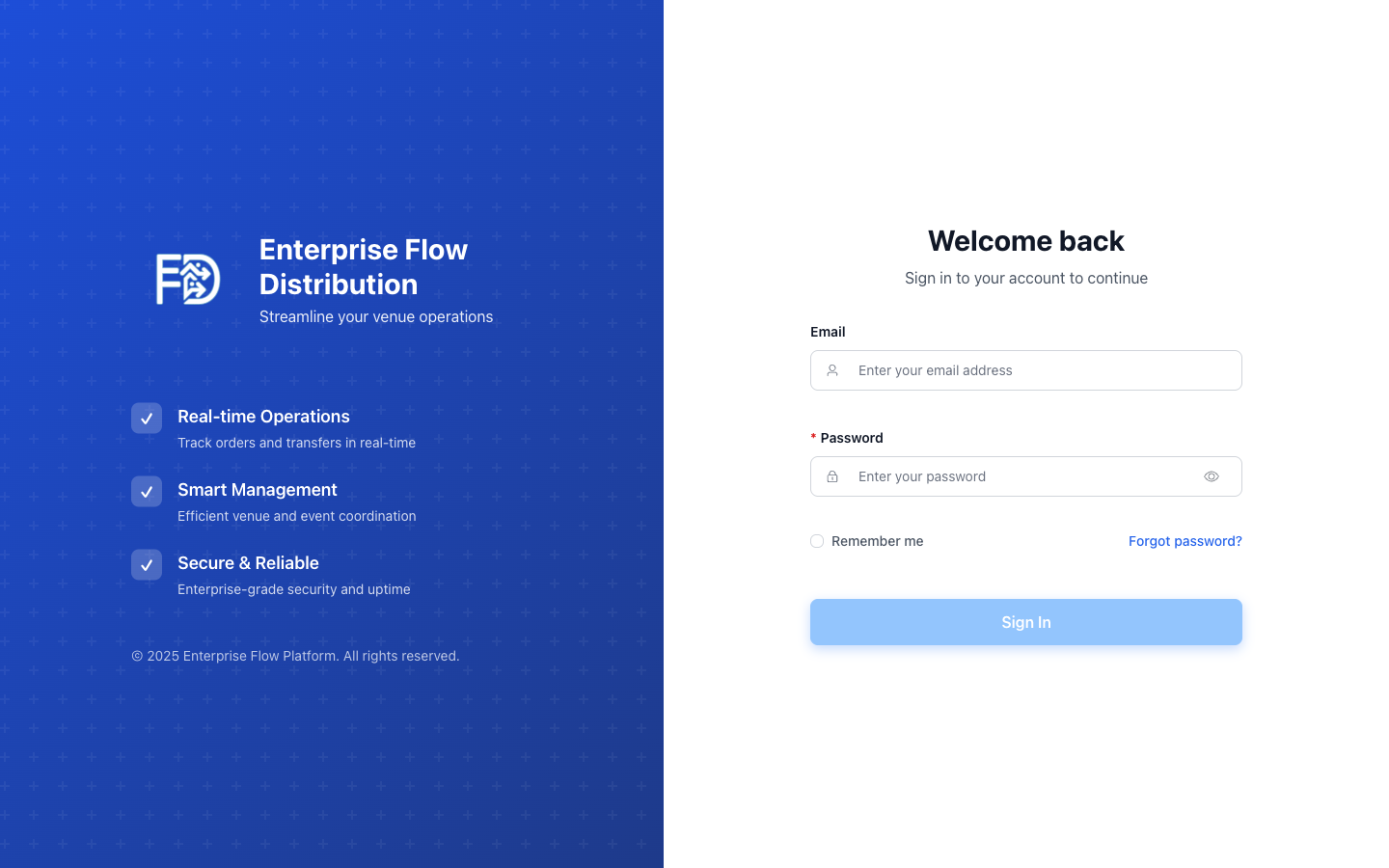
Admin Panel Login
- Open your browser and go to your Enterprise Flow URL (provided by your administrator).
- Enter your email address and password.
- Click Log In.
If your account has two-factor authentication (2FA) enabled, you will be redirected to a verification screen. Enter the code sent to your email and click Verify.
Forgot Password
- On the login page, click Forgot Password?
- Enter the email address associated with your account.
- Click Send Reset Link.
- Check your email for a password reset link and follow the instructions.
Mobile App Login
The mobile app uses a one-time password (OTP) flow:
- Open the Enterprise Flow app on your phone.
- Enter your mobile number.
- You will receive an OTP code via SMS.
- Enter the code to log in.
TIP
If you don't receive the OTP, check that your mobile number is correctly registered by your administrator.