
Appearance
Zones Administrator
Zones are logical groupings within a venue used to organise outlets for operational purposes — such as "North Zone", "VIP Area", or "Food Court".
Accessing Zones
Navigate to Zone Management in the sidebar.
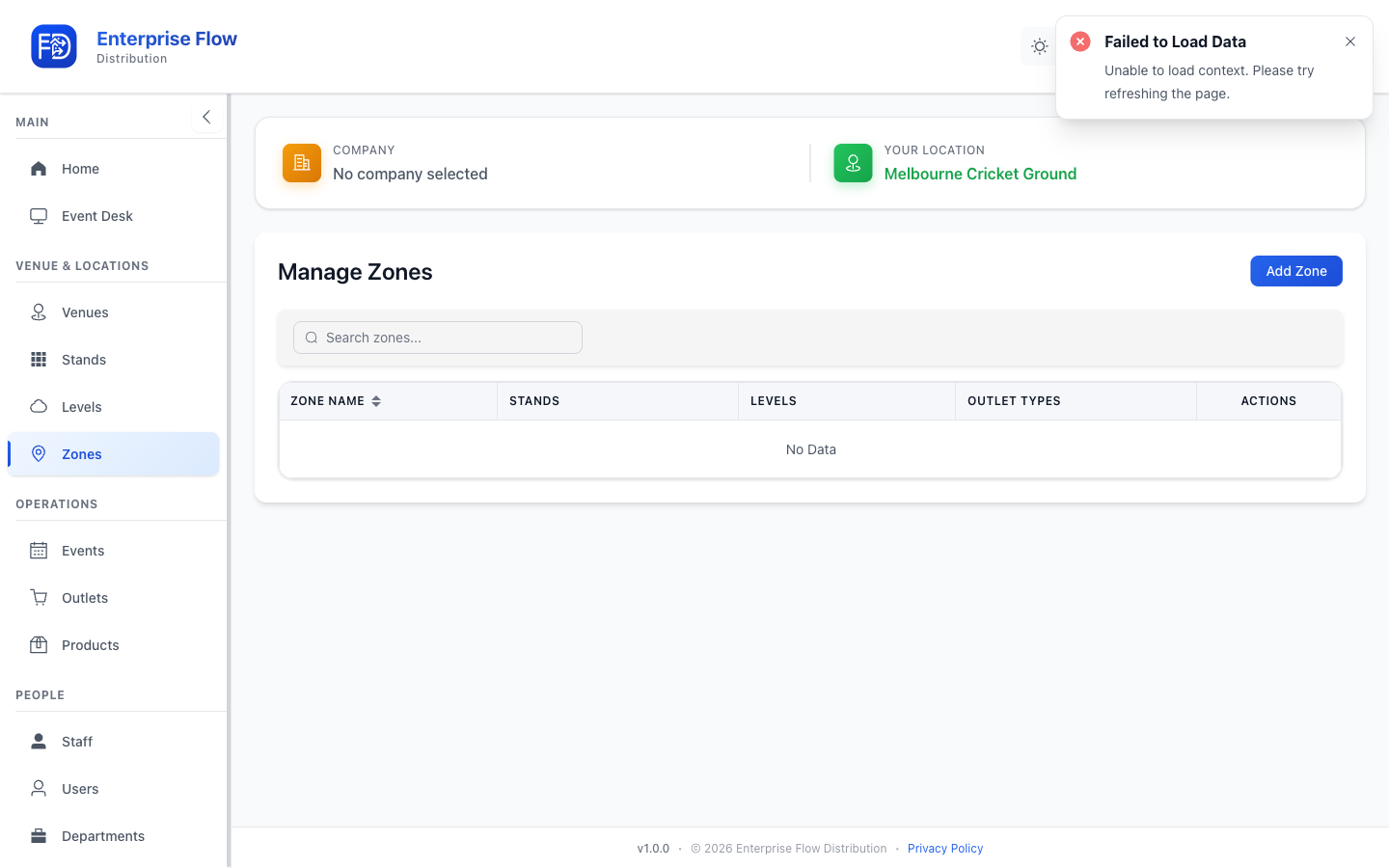
Creating a Zone
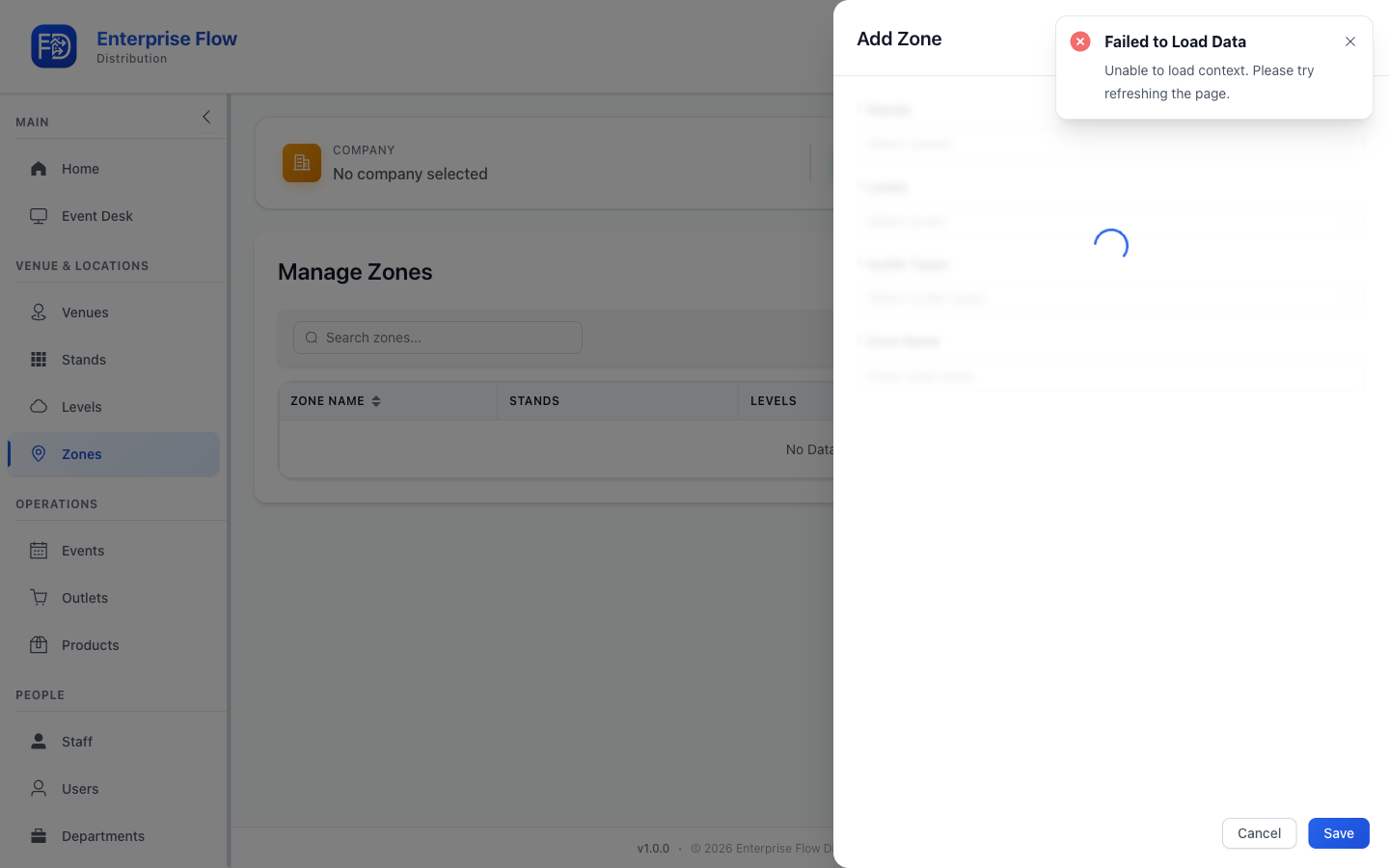
- Click the Add Zone button.
- Fill in the details:
- Name — The zone's display name
- Venue — Select the venue this zone belongs to
- Click Save.
Editing a Zone
- Find the zone in the list.
- Click Edit.
- Update the desired fields.
- Click Save.
Deleting a Zone
- Click Delete on the zone row.
- Confirm the deletion.
Tips
- Zones can span across multiple stands and levels.
- Use zones to group outlets that are managed together during events.