
Appearance
Outlets Administrator
Outlets are the individual service points within your venue — bars, food stalls, kiosks, and other locations where products are sold or distributed. Each outlet is assigned to a venue and can be linked to a stand, level, zone, and outlet type.
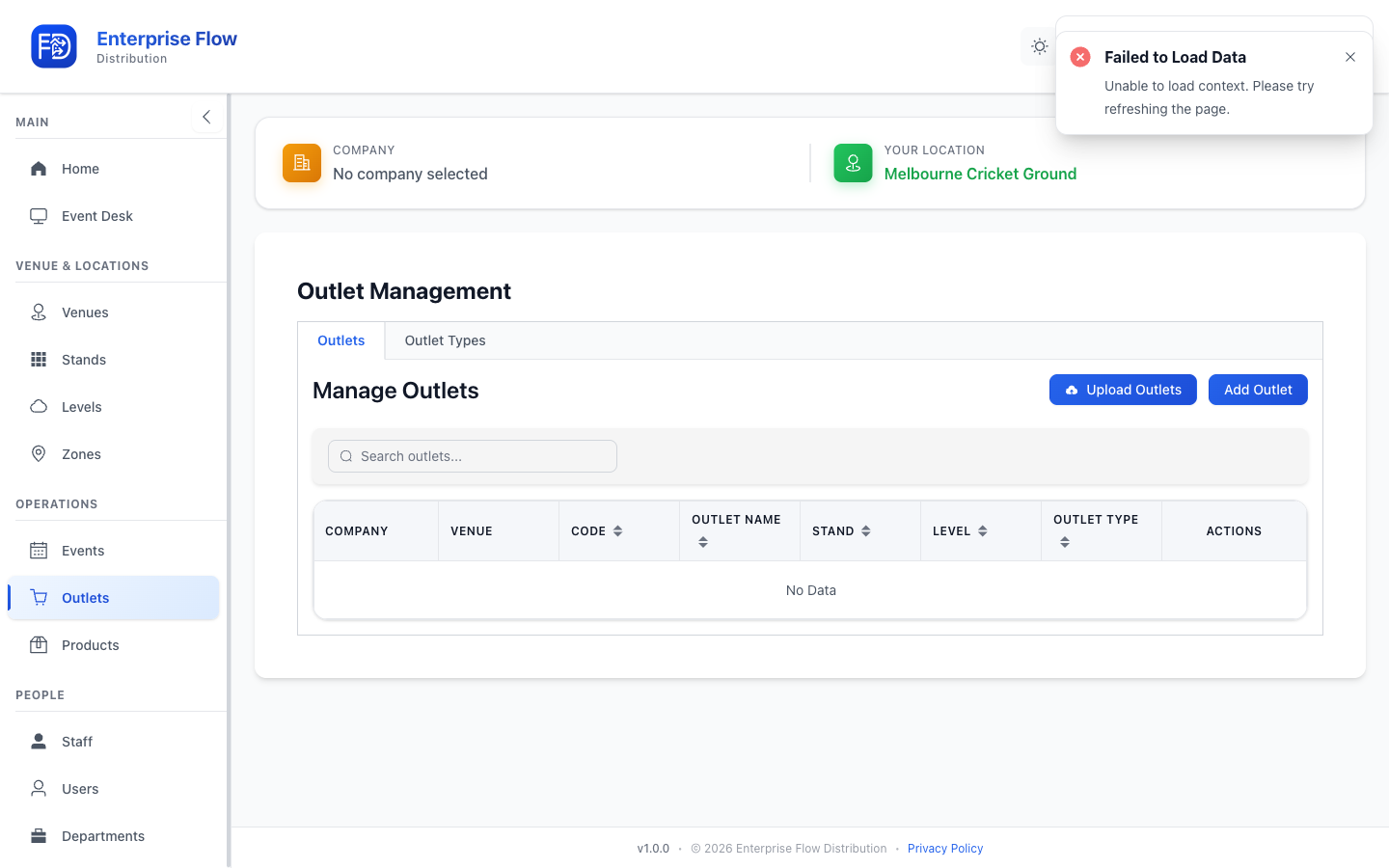
Accessing Outlets
Navigate to Outlet Management in the sidebar.
Creating an Outlet
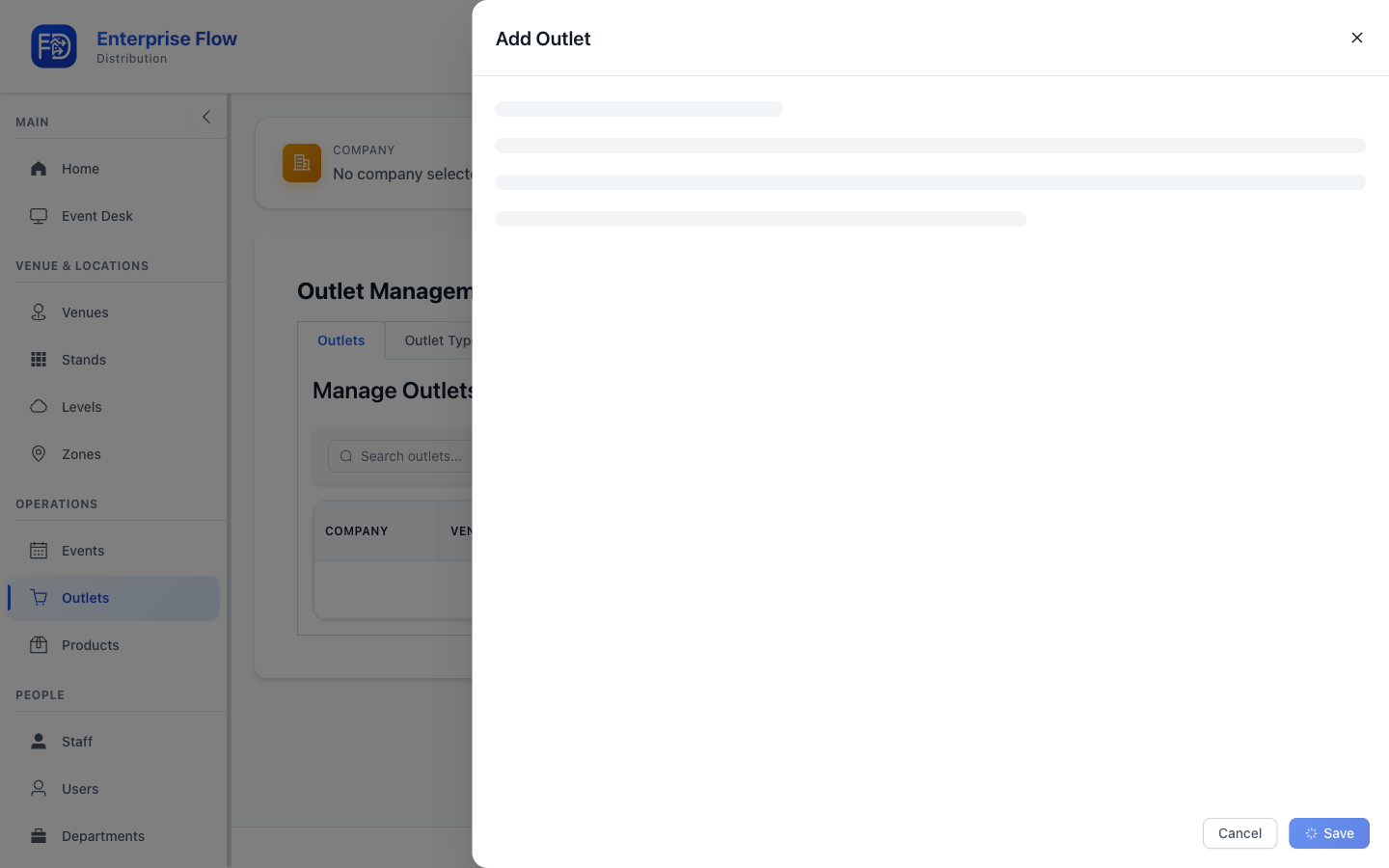
- Click the Add Outlet button.
- Fill in the details:
- Name — The outlet's display name (e.g., "Bar 12")
- Venue — The venue this outlet belongs to
- Outlet Type — The category (e.g., "Bar")
- Stand — (Optional) The stand where this outlet is located
- Level — (Optional) The level where this outlet is located
- Zone — (Optional) The zone this outlet belongs to
- Click Save.
Editing an Outlet
- Find the outlet in the list.
- Click Edit.
- Update the desired fields.
- Click Save.
Deleting an Outlet
- Click Delete on the outlet row.
- Confirm the deletion.
Tips
- Outlets are the delivery destinations for stock orders during events.
- Assigning outlets to stands, levels, and zones makes them easier to find during operations.
- Set up outlet types, stands, levels, and zones before creating outlets so all the options are available in the form.