
Appearance
Event Types Administrator
Event types categorise your events — for example, "AFL Match", "Concert", "Corporate Function", or "Festival". This helps with filtering and reporting.
Accessing Event Types
Navigate to Event Type Management in the sidebar.
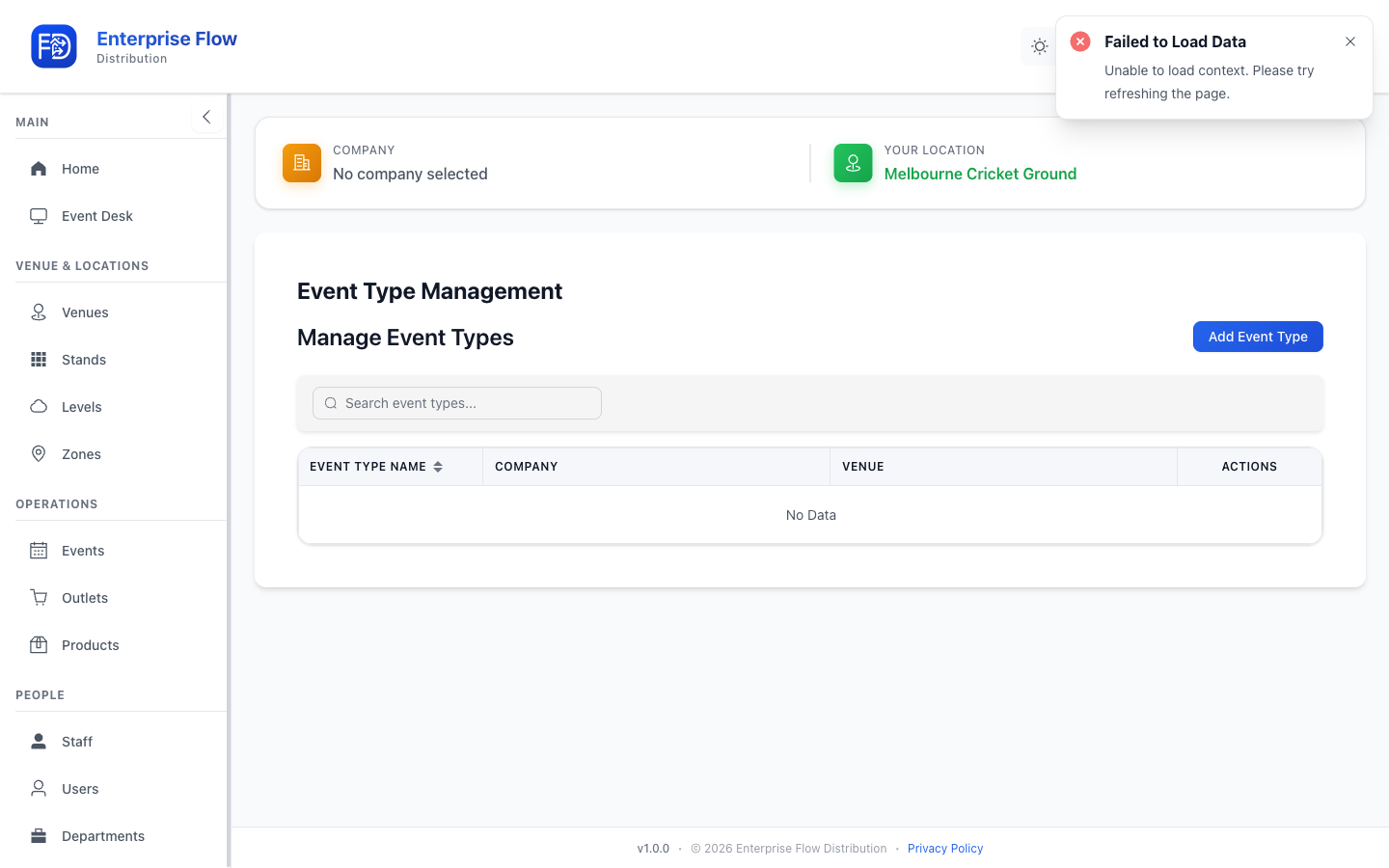
Creating an Event Type
- Click the Add Event Type button.
- Enter the Name for the event type (e.g., "Concert").
- Click Save.
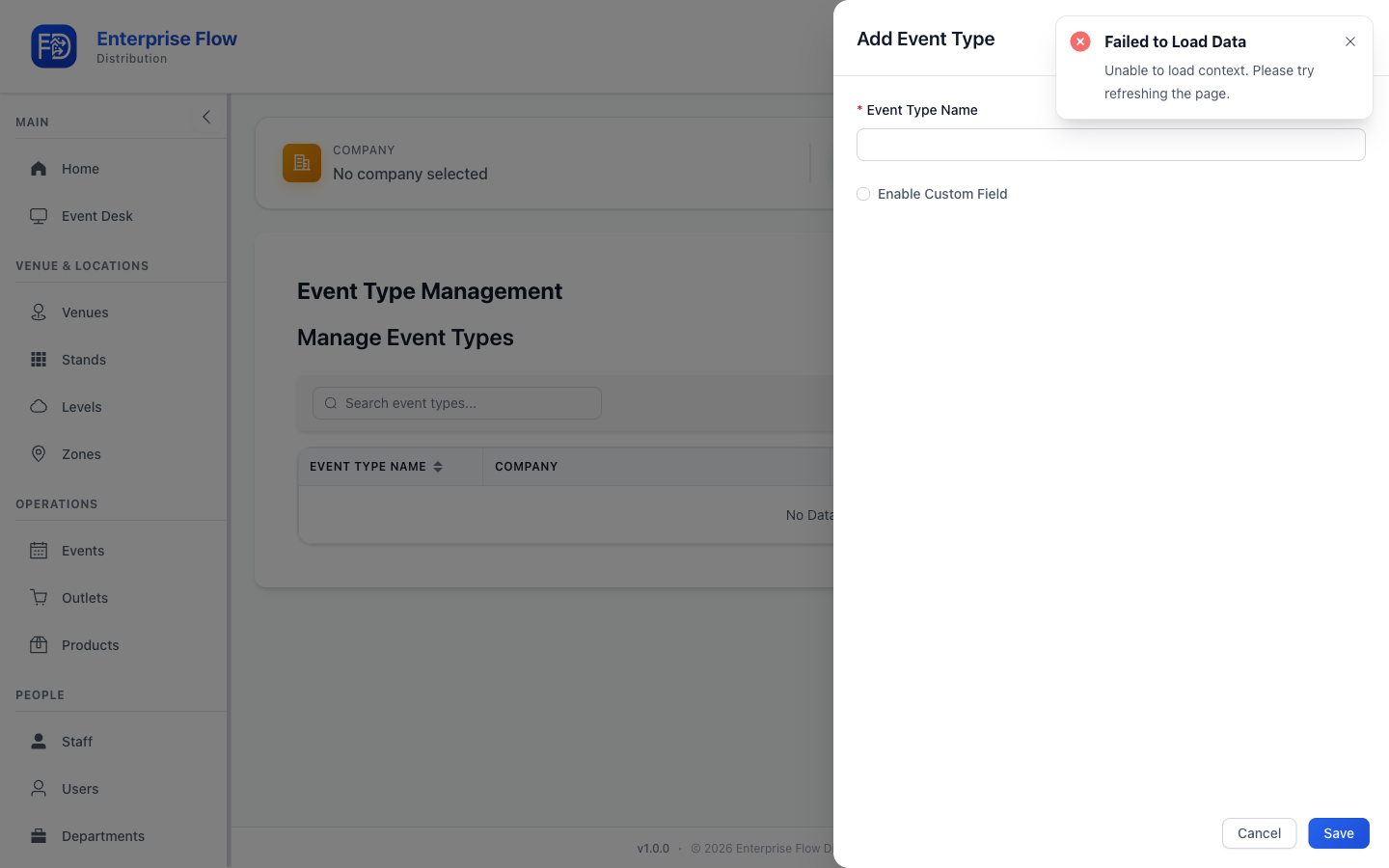
Editing an Event Type
- Find the event type in the list.
- Click Edit.
- Update the name.
- Click Save.
Deleting an Event Type
- Click Delete on the event type row.
- Confirm the deletion.
Tips
- Define event types before creating events, so you can assign the correct type during event creation.
- Use consistent names to make reporting easier across multiple events.