
Appearance
Levels Administrator
Levels represent vertical divisions within a venue — such as floors, tiers, or concourse levels. They provide another way to organise outlet locations.
Accessing Levels
Navigate to Level Management in the sidebar.
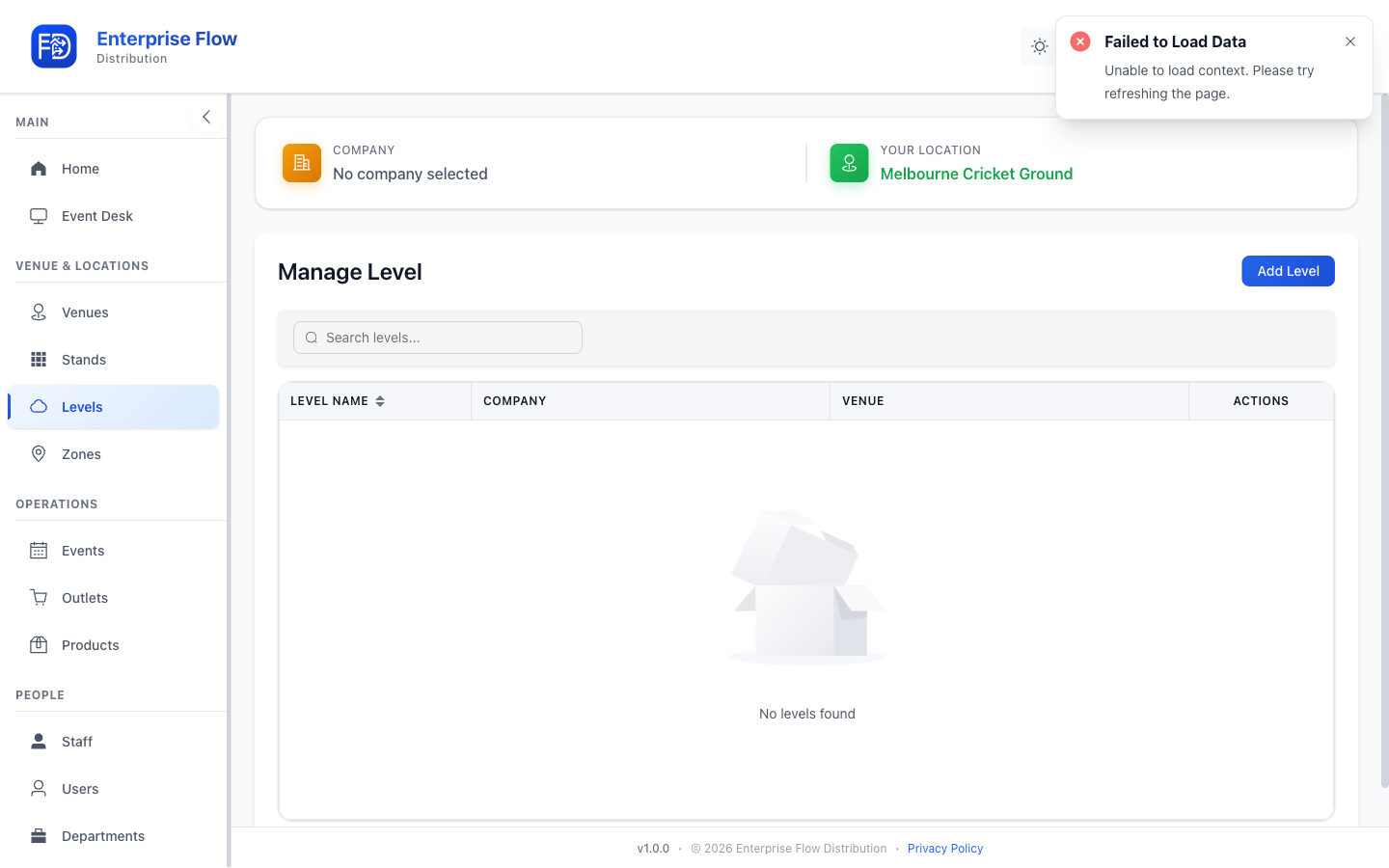
Creating a Level
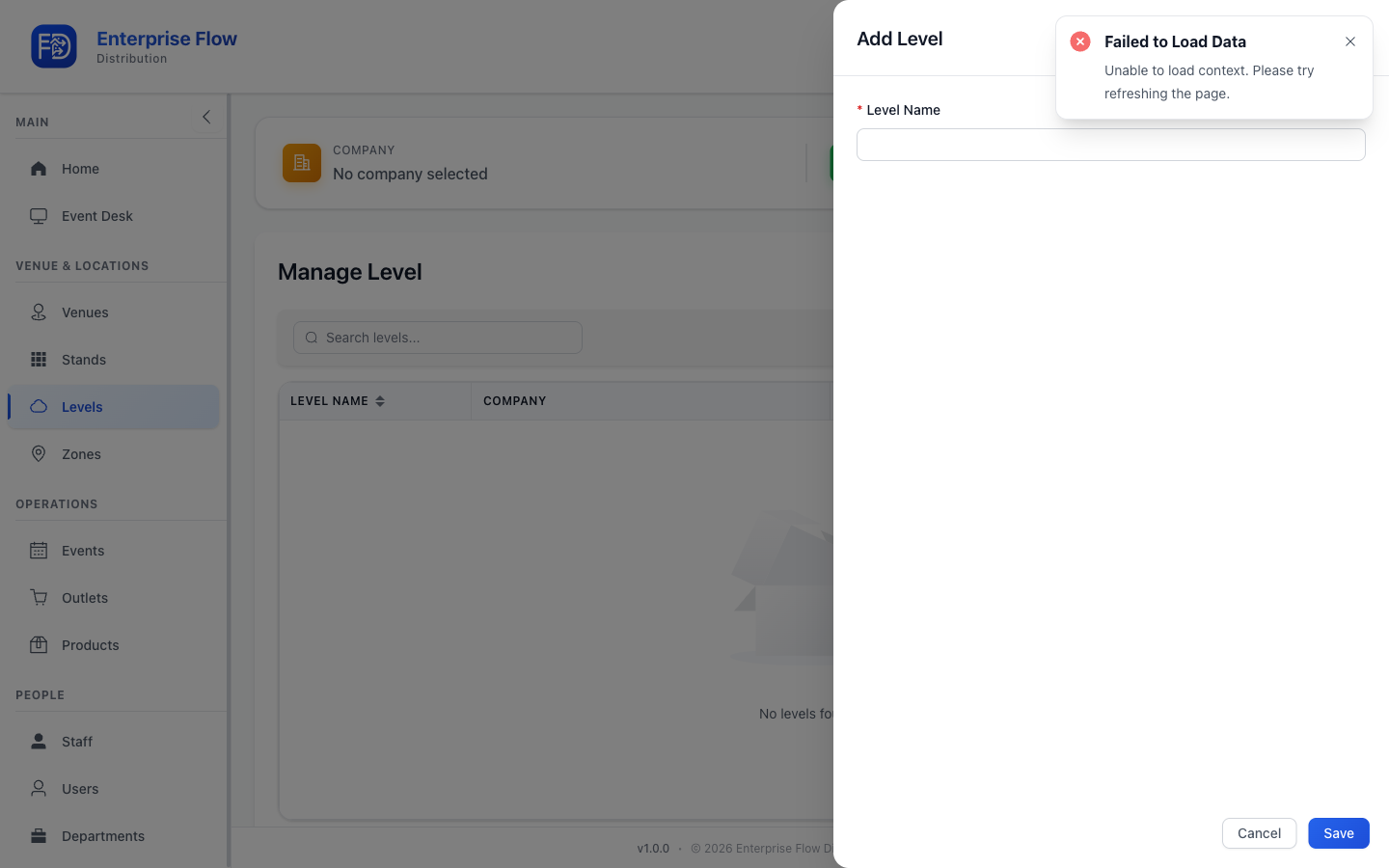
- Click the Add Level button.
- Fill in the details:
- Name — The level's display name (e.g., "Level 2", "Upper Concourse")
- Venue — Select the venue this level belongs to
- Click Save.
Editing a Level
- Find the level in the list.
- Click Edit.
- Update the desired fields.
- Click Save.
Deleting a Level
- Click Delete on the level row.
- Confirm the deletion.
Tips
- Levels work alongside stands and zones to define the physical structure of your venue.
- Keep naming consistent so staff can quickly locate outlets during events.