
Appearance
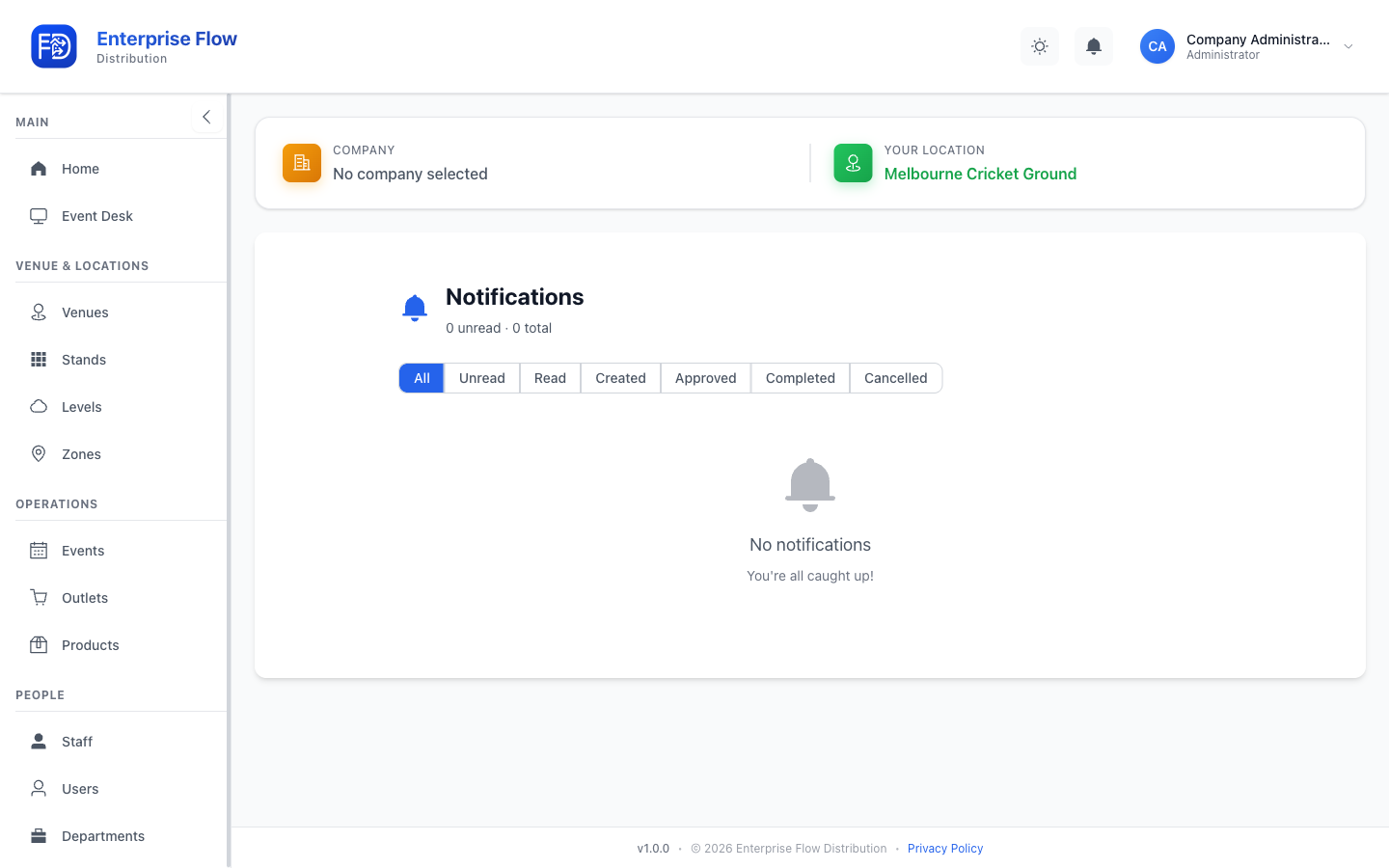
Notifications
The notification centre keeps you informed about important events — new orders, approvals, status changes, and system alerts.
Accessing Notifications
Click the bell icon in the header bar. If you have unread notifications, a badge shows the count.
Navigate to Notifications in the sidebar to view the full notification history.
Notification Types
You may receive notifications for:
- Orders — New orders created, orders approved or rejected
- Transfers — Transfer requests and completions
- System — Account changes, event updates
Sending Custom Notifications
As an admin you can send your own push notification tied to a specific order or event:
- From an order — Send a custom message to the runners assigned to that order. This isn't available for completed or cancelled orders.
- From an event — Send a custom message to the event's staff, either to everyone assigned or to a chosen subset.
Recipients receive the message as a push notification on their device.
Managing Notifications
- Click a notification to view its details or navigate to the related item.
- Notifications are marked as read once viewed.
Tips
- Keep an eye on the notification badge during live events for real-time updates.
- Notifications are delivered in real time via WebSocket — no need to refresh.