
Appearance
Outlet Types Administrator
Outlet types categorise your outlets — for example, "Bar", "Food Kiosk", "Coffee Cart", or "Merchandise Stand". This helps with filtering, reporting, and organising outlets across your venue.
Accessing Outlet Types
Navigate to Outlet Type Management in the sidebar.
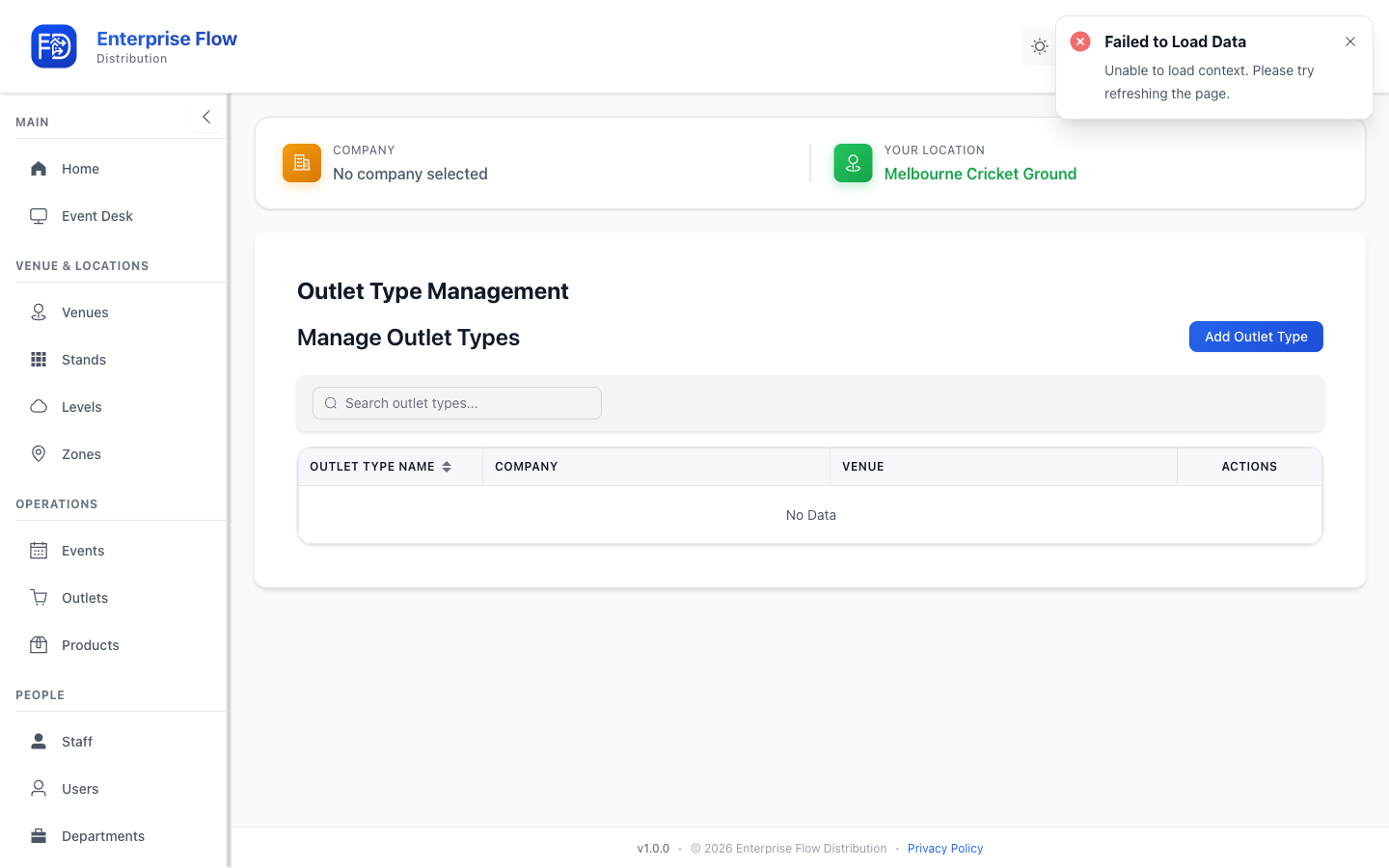
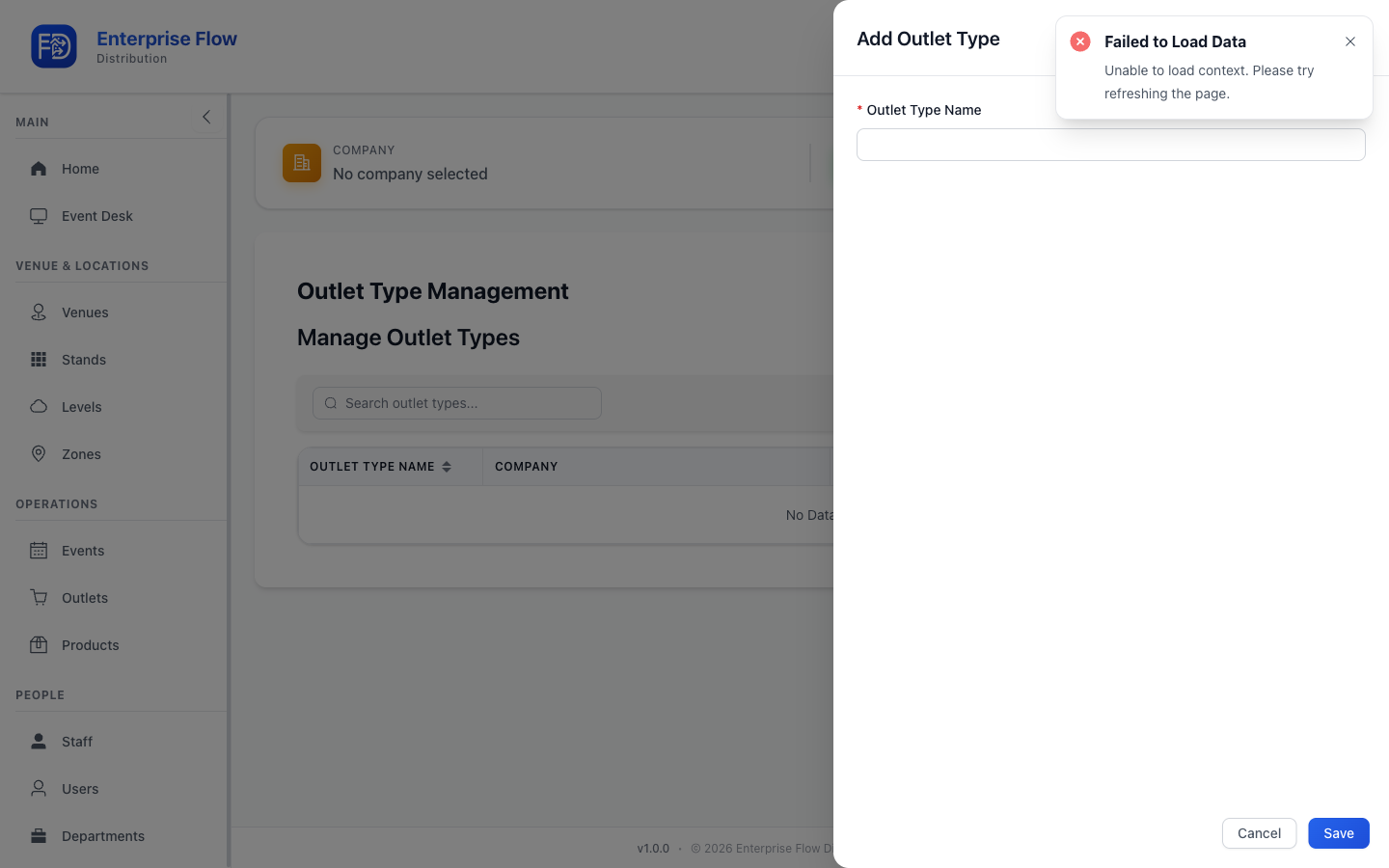
Creating an Outlet Type
- Click the Add Outlet Type button.
- Enter the Name for the outlet type (e.g., "Bar").
- Click Save.
Editing an Outlet Type
- Find the outlet type in the list.
- Click Edit.
- Update the name.
- Click Save.
Deleting an Outlet Type
- Click Delete on the outlet type row.
- Confirm the deletion.
TIP
Define your outlet types before creating individual outlets, so you can assign the correct type during outlet creation.