
Appearance
Venues Administrator
A venue is the top-level location where events take place — such as a stadium, arena, or convention centre. All stands, levels, zones, and outlets belong to a venue.
Accessing Venues
Navigate to Venue Management in the sidebar.
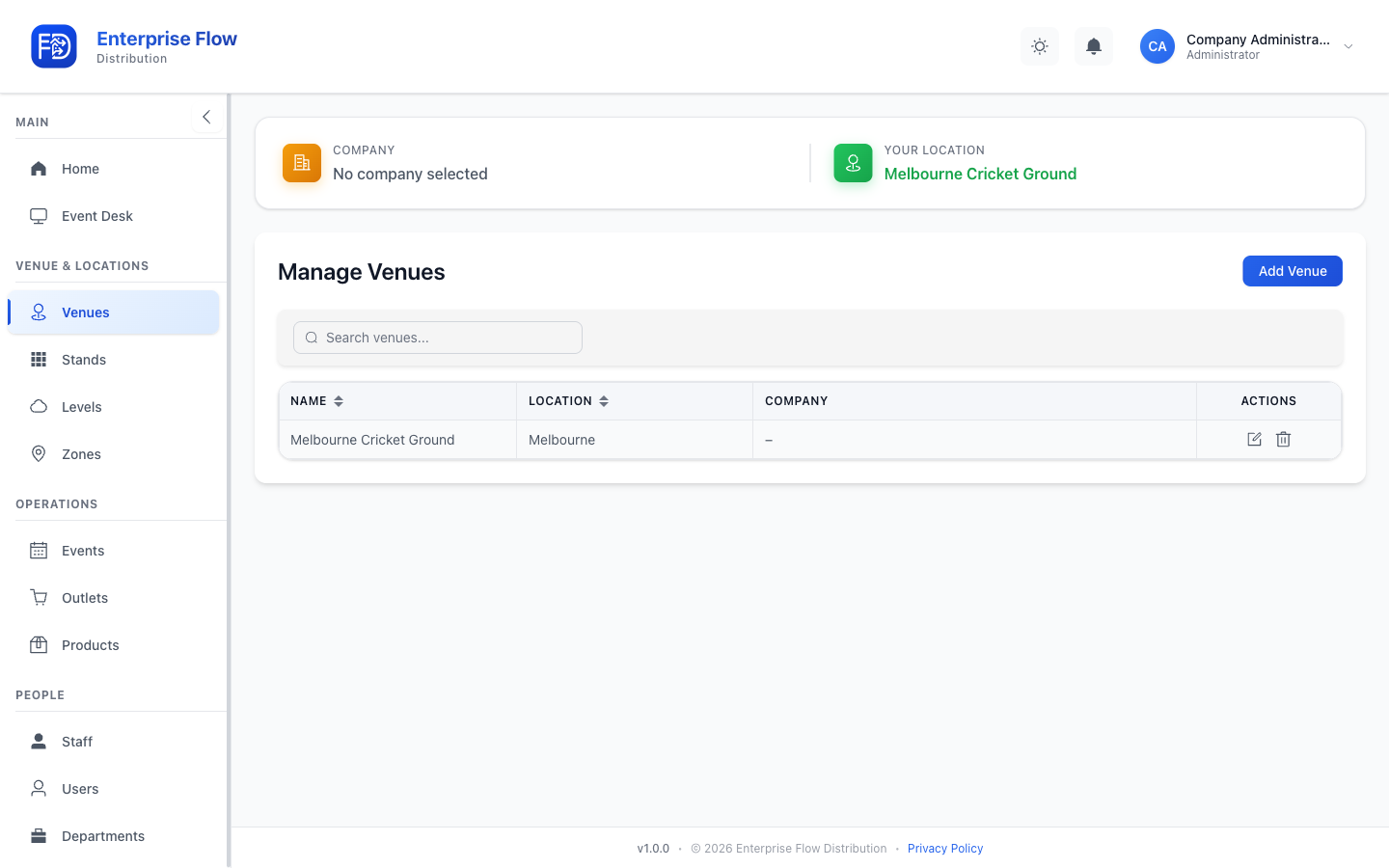
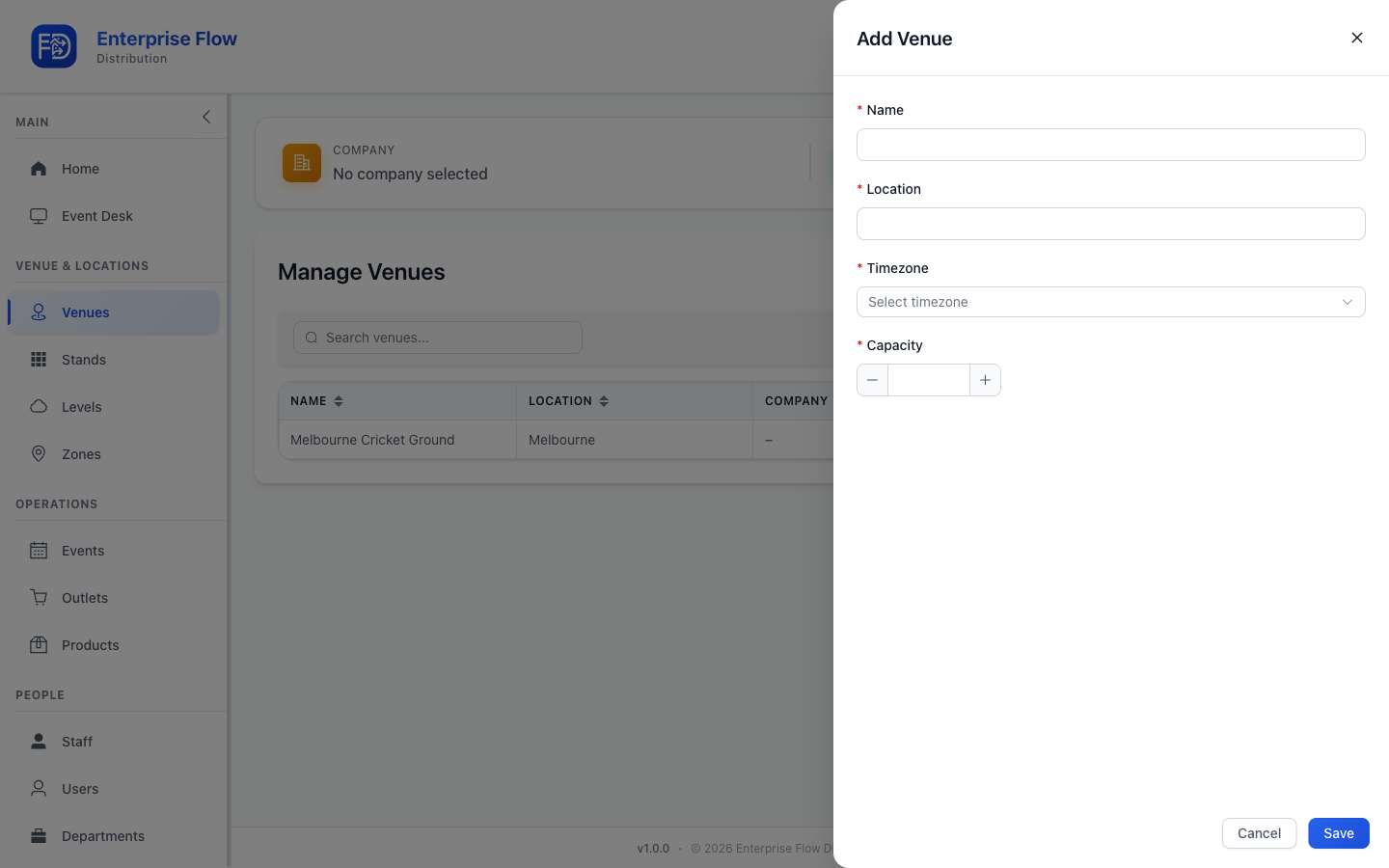
Creating a Venue
- Click the Add Venue button.
- Fill in the venue details:
- Name — The venue's display name (e.g., "Melbourne Cricket Ground")
- Address — Physical location
- Click Save.
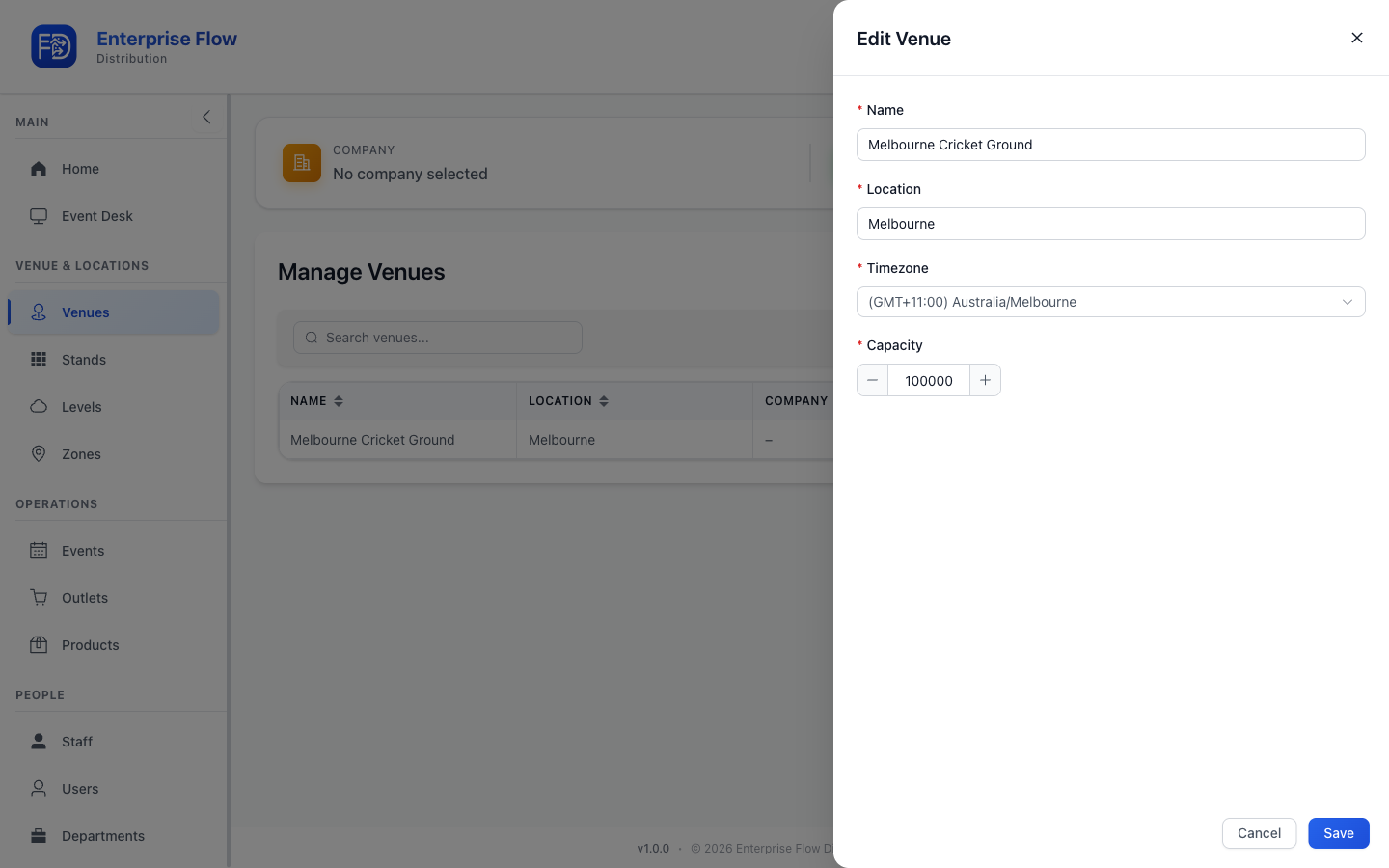
Editing a Venue
- Find the venue in the list.
- Click Edit on the venue row.
- Update the fields you want to change.
- Click Save.
Deleting a Venue
- Click Delete on the venue row.
- Confirm the deletion.
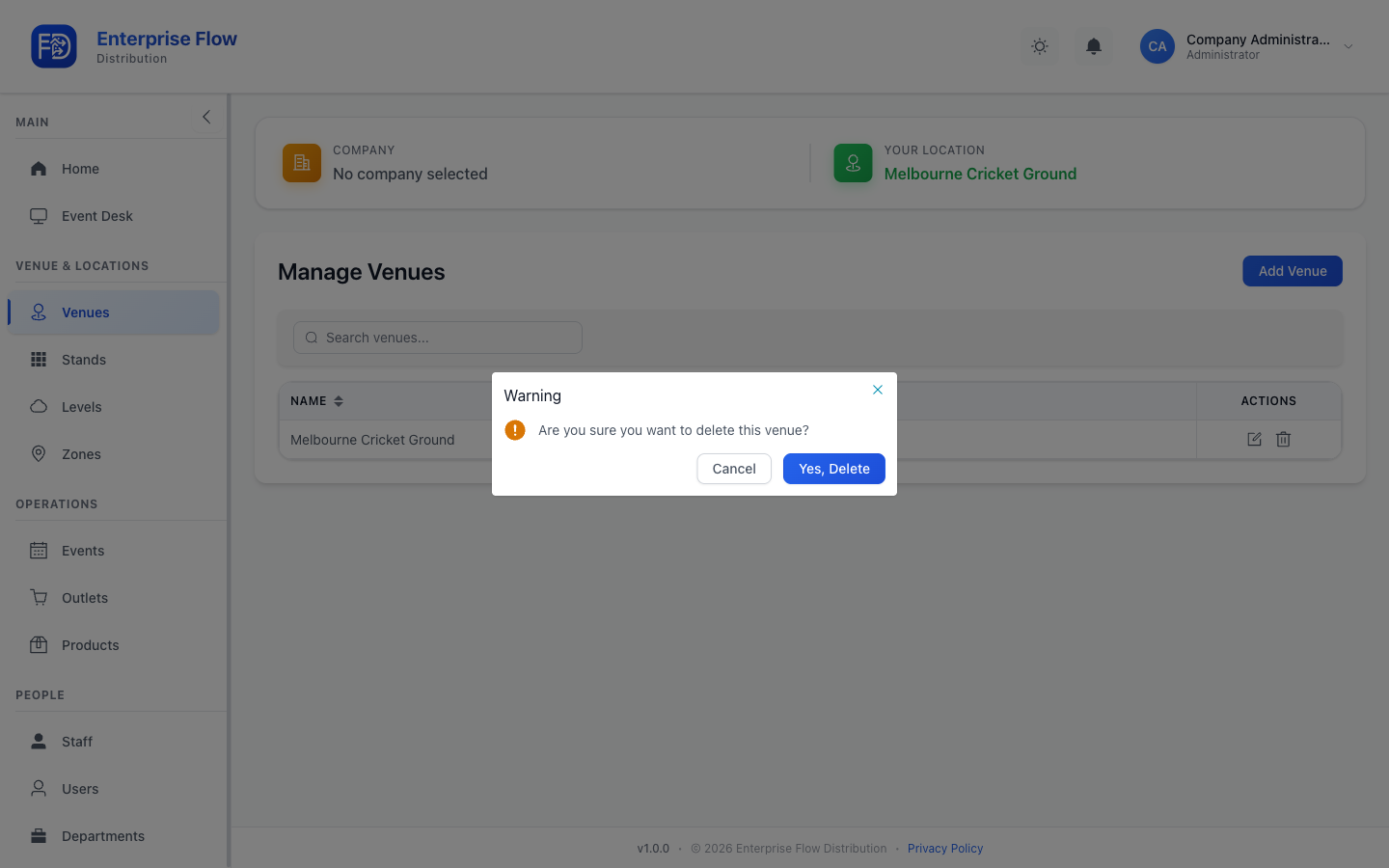
WARNING
Deleting a venue also removes all its stands, levels, zones, and outlets.
Tips
- Set up your venue first, then add stands, levels, and zones to define its structure.
- You can manage multiple venues from a single account.