
Appearance
Users & Roles Administrator
Users are the people who access the admin panel (web dashboard). Each user has an email, password, and an assigned role that determines what they can see and do.
Accessing Users
Navigate to User Management in the sidebar.
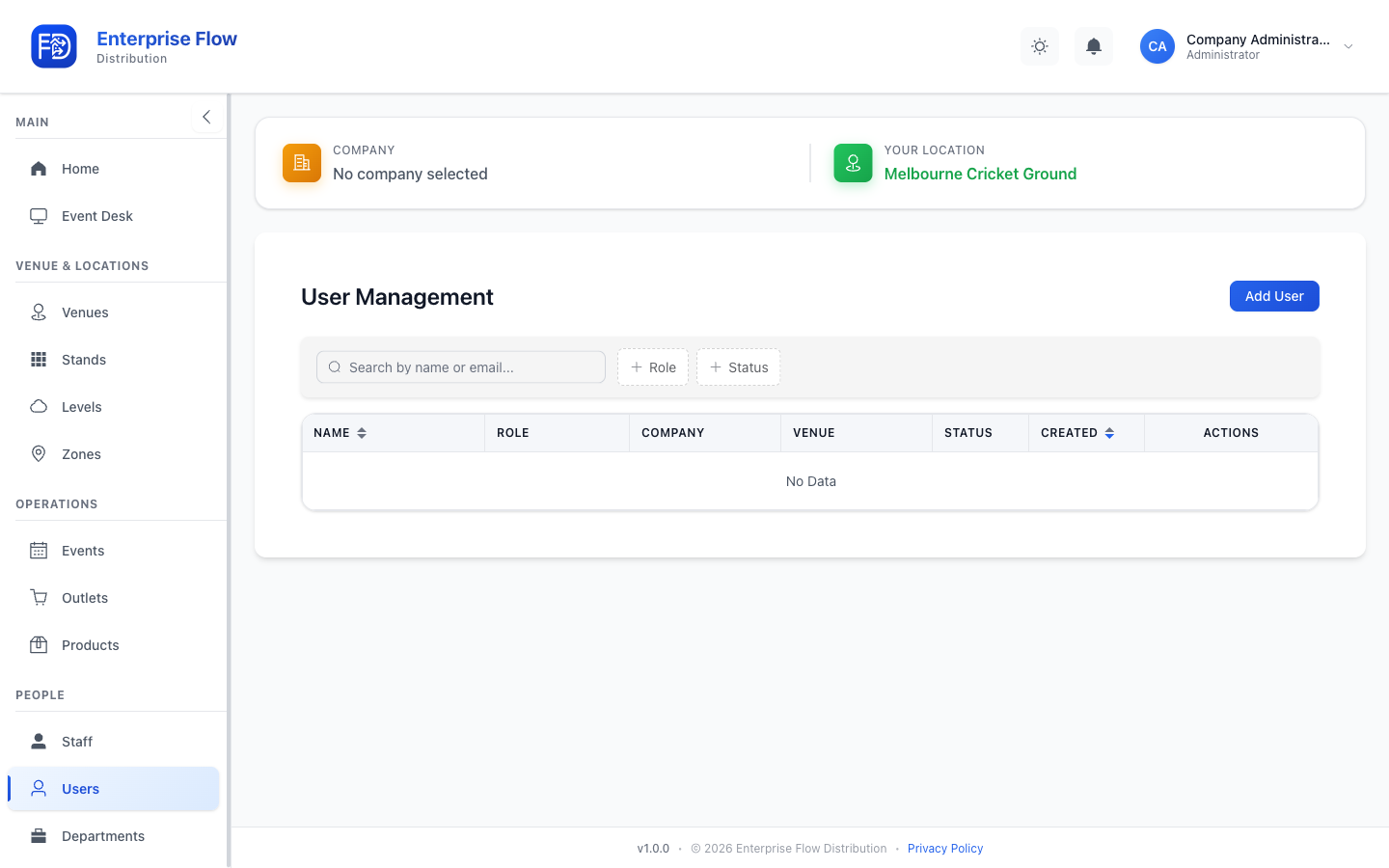
Creating a User
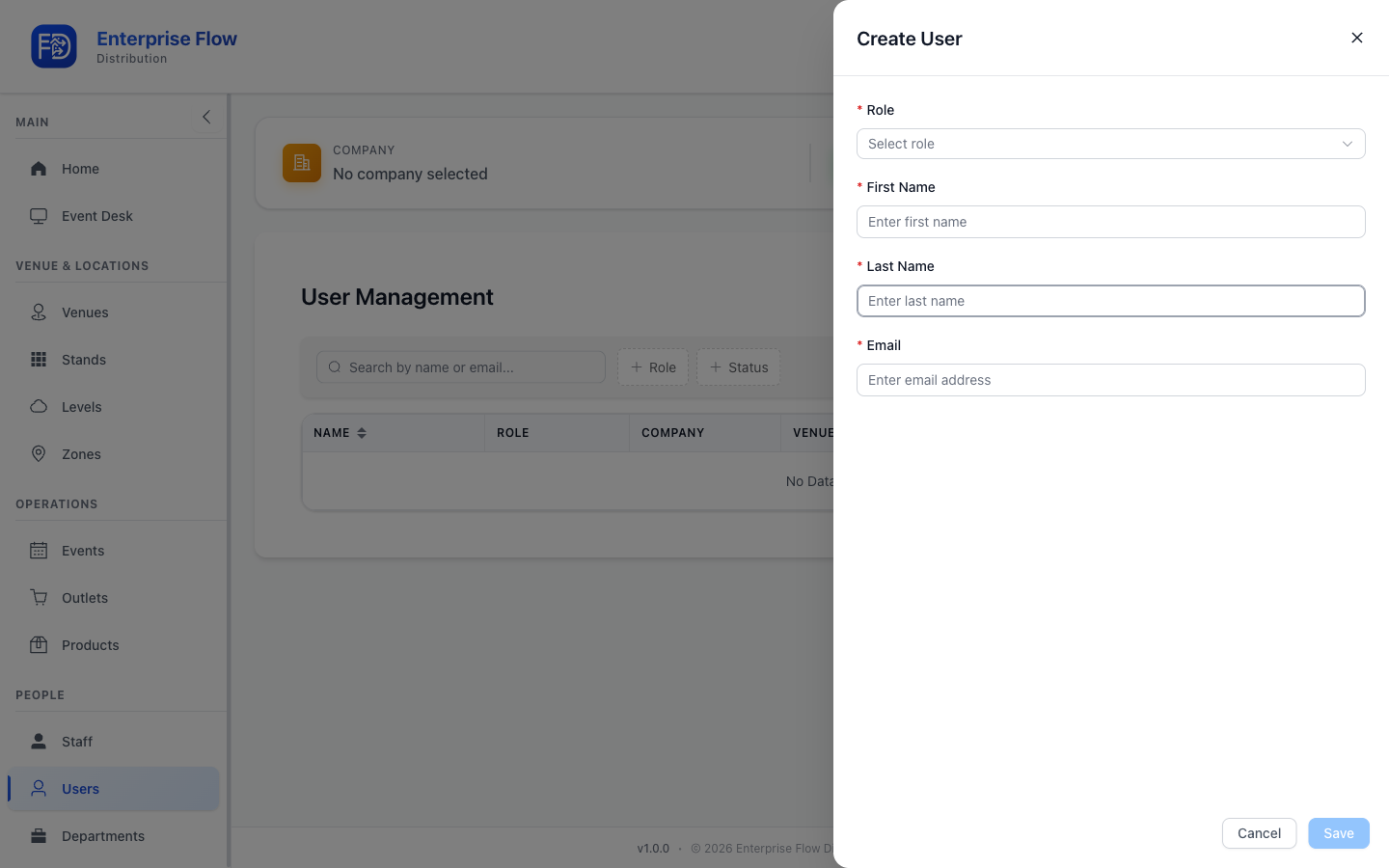
- Click the Add User button.
- Fill in the details:
- Name — Full name
- Email — Login email address
- Password — Initial password (the user can change it after first login)
- Role — Select one: Administrator or Staff
- Click Save.
Editing a User
- Find the user in the list.
- Click Edit.
- Update the desired fields.
- Click Save.
Deleting a User
- Click Delete on the user row.
- Confirm the deletion.
Roles
| Role | Access Level |
|---|---|
| System | Full platform access including company management and feature flags. Typically reserved for platform operators. |
| Administrator | Full access within a company — venues, outlets, products, staff, events, and operations. |
| Staff | Limited access — primarily the event desk for day-to-day operations. |
For a detailed breakdown, see Roles & Permissions.
Tips
- Use the Administrator role for venue managers and operations leads.
- Use the Staff role for team members who only need event desk access.
- System accounts are managed at the platform level and are not typically created through this interface.